
How is agentic AI different from legacy OCR in freight?
Legacy OCR extracts text by layout, while agentic AI understands freight context, validates fields across documents, and flags exceptions before downstream errors.
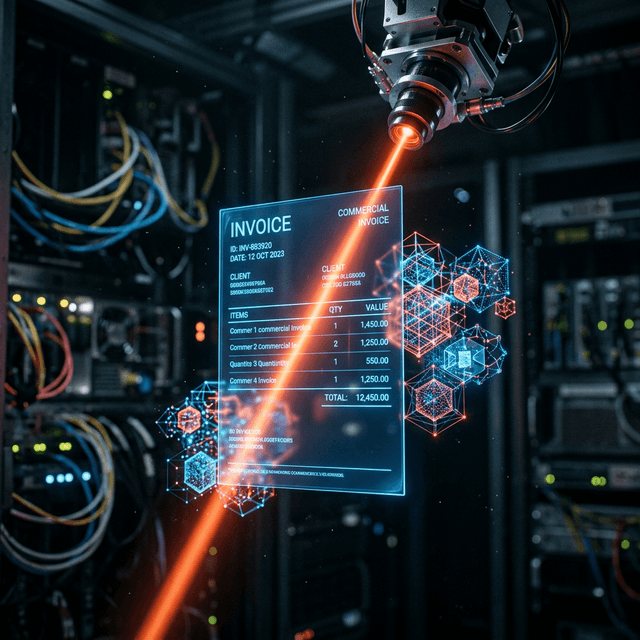

For years, the promise of "paperless logistics" was held back by the limitations of Optical Character Recognition (OCR). Legacy OCR could "read" text, but it couldn't understand it. If a stamp covered a port code, or if a Commercial Invoice used a non-standard layout, the system failed, requiring a human to step in.
In 2026, the technology has shifted from Template-based OCR to Agentic AI Extraction.
Unlike legacy systems that look for data in specific coordinates (X, Y) on a page, Agentic AI uses Large Language Models (LLMs) to understand the context of the document.
The AI doesn't need a template. You can throw it a handwritten Packing List from a remote factory or a 200-page manifest, and it will correctly identify the HAWB, the piece count, and the hazardous material classifications.
This is where the real ROI lives. A human operator might take 20 minutes to cross-check a Bill of Lading against a Commercial Invoice to ensure the weights match. An AI Agent does this across your entire document set in milliseconds. If the "Total Gross Weight" on the BL (4500kg) doesn't match the sum of the line items on the invoice (4450kg), the system flags it immediately.
Extraction is only half the battle. The real value is placing that data exactly where it needs to go—your TMS (CargoWise, Magaya, etc.) or Customs portal. AI agents don't just "extract to CSV"; they map data to your specific business logic and push it via API.
By implementing Agentic Document processing, Navix customers see:
You don't need to over-engineer your first step. Start with your biggest bottleneck—usually Accounts Payable (AP) Invoicing or Commercial Invoice Parsing. Once you see the accuracy of Agentic AI on those documents, scaling to Bills of Lading and Arrival Notices is a simple configuration step.
Is your team still re-typing data from PDFs? See Navix Document AI in Action →
Legacy OCR extracts text by layout, while agentic AI understands freight context, validates fields across documents, and flags exceptions before downstream errors.
Navix AI can process core freight documents including bills of lading, commercial invoices, packing lists, and shipment-related attachments from email workflows.
Last updated: April 2026 | v1.0